
AI Influencer Generator
The AI influencer generator for realistic posts: describe a persona or add a face, pick a scene. Your first image is free, no sign-up.
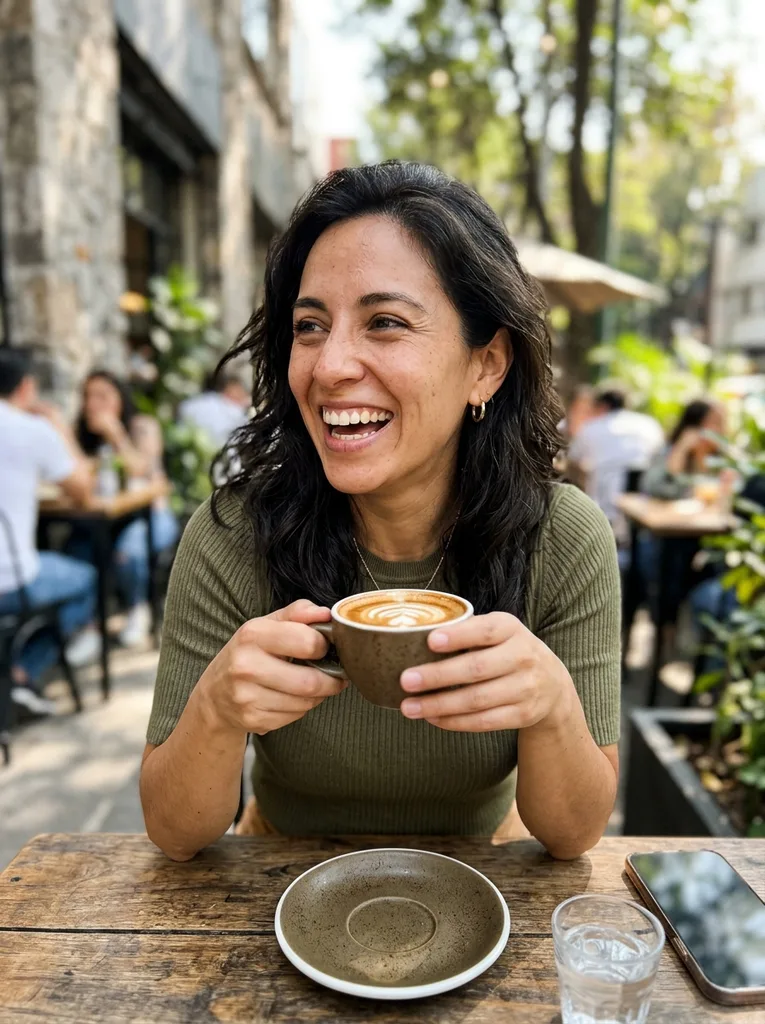 Before
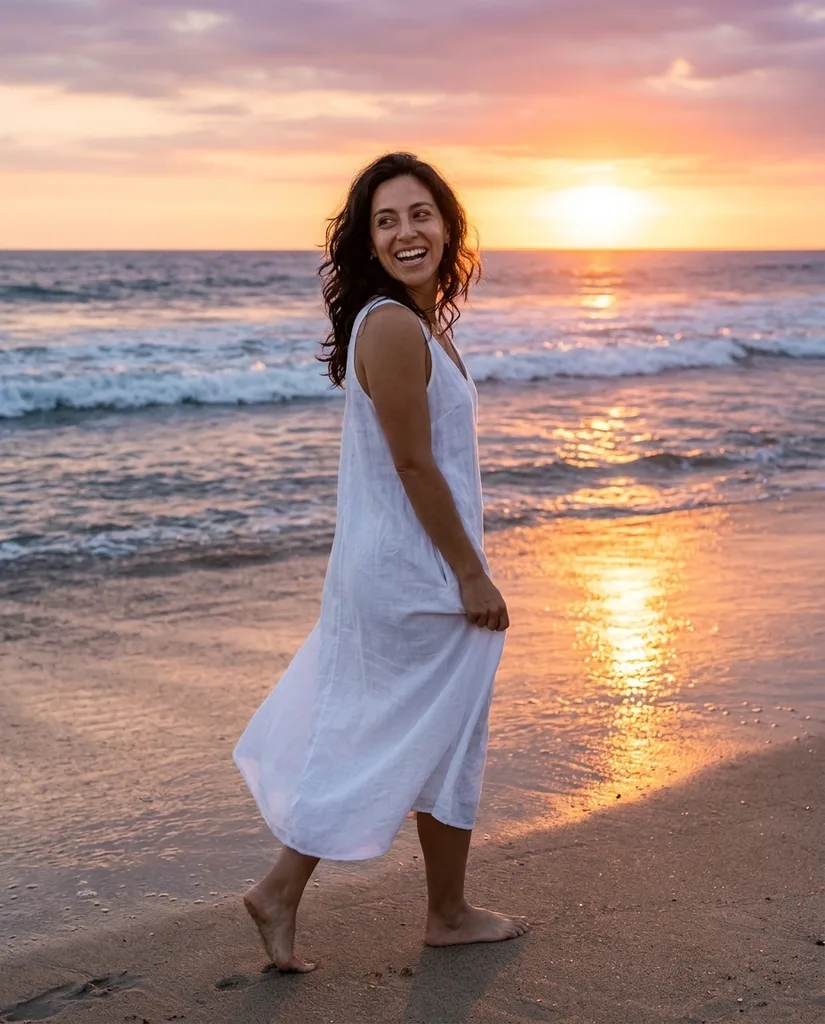 After
Example result. Upload your photo to make yours.
Examples
BeforeAfterHow to Use the AI Influencer Generator in 3 Steps
Persona, scene, format. One image per click.
- 1
Describe the persona or add a face
Write who they are in up to 300 characters, such as a 26 year old fitness coach with a blonde ponytail. Or add one to three photos of the same face as references.
- 2
Pick a scene and a format
Choose Travel, OOTD, Gym, Cafe or Product, then 4:5 for the Instagram grid or 9:16 for Stories and Reels covers.
- 3
Generate, check, download
Click Generate Influencer and compare the result with your references. Download is the next step. The photo has no watermark.
What an AI Influencer Model Is Here
An AI influencer is a made-up person who stars in social-media photos. This tool makes the photos: one polished, Instagram-style image per click, with natural light and real skin texture.
With no reference photo, it invents an adult who resembles no real influencer or celebrity. With one to three reference photos of the same face, it aims to keep that face in the new scene. It is a likeness, not a guarantee, so always check the result against your references.
The output is a still photo. There is no video, voice or auto-posting.
Made for
- Faceless brand accounts
- Fitness and wellness coaches
- Travel and lifestyle pages
- Creators testing a persona
- Marketers planning a campaign look
Who Uses an AI Influencer Generator for Posts
Pick the scene that matches the post you need.
Brand accounts with a human face
Create a shop or newsletter image from a reference face and your chosen scene, without hiring a model.
Fitness and coaching pages
The Gym scene shows a persona mid-workout in a bright modern gym, wearing a plain athletic outfit.
Travel and lifestyle feeds
The Travel scene puts your persona on a beach at sunset in light linen, looking back at the camera.
Fashion and outfit posts
OOTD makes a full-length street shot in a layered everyday outfit, a format that suits a 4:5 grid post.
Product and skincare posts
The Product scene has your persona hold a plain, unbranded skincare bottle near the face. Use it to test how a product post could feel.
Pitch decks and mood boards
Show a client or a team what a persona would look like before anyone commits to a shoot, a creator or a long campaign.
Why Text Alone Won't Keep the Same Face
A written description makes a new person on every run. Two clicks with the same words give two different faces, so a description alone cannot hold one influencer across posts.
Reference photos are what carry a face from scene to scene. Add up to three of the same person, clear and evenly lit. Different angles give the model more to match, and it aims to keep the face shape, eyes, nose, lips, skin tone and hairline.
Use a face you made here, your own face, or someone who agreed. Photos of real influencers, celebrities and children are not accepted.
Tell Followers the Face Is AI
Posts from a made-up person can mislead if nobody says so. Put a line such as AI-generated persona in the bio or the caption.
This tool also keeps its people fictional: the people it makes are adults, fully clothed, and it refuses celebrity names, face swaps and deepfakes. Do not use a generated face to pose as a real person, for dating profiles or for ID.