
AI Face Generator
Click once and this AI face generator makes a random, realistic face of someone who doesn't exist. Narrow it by gender, age and expression.
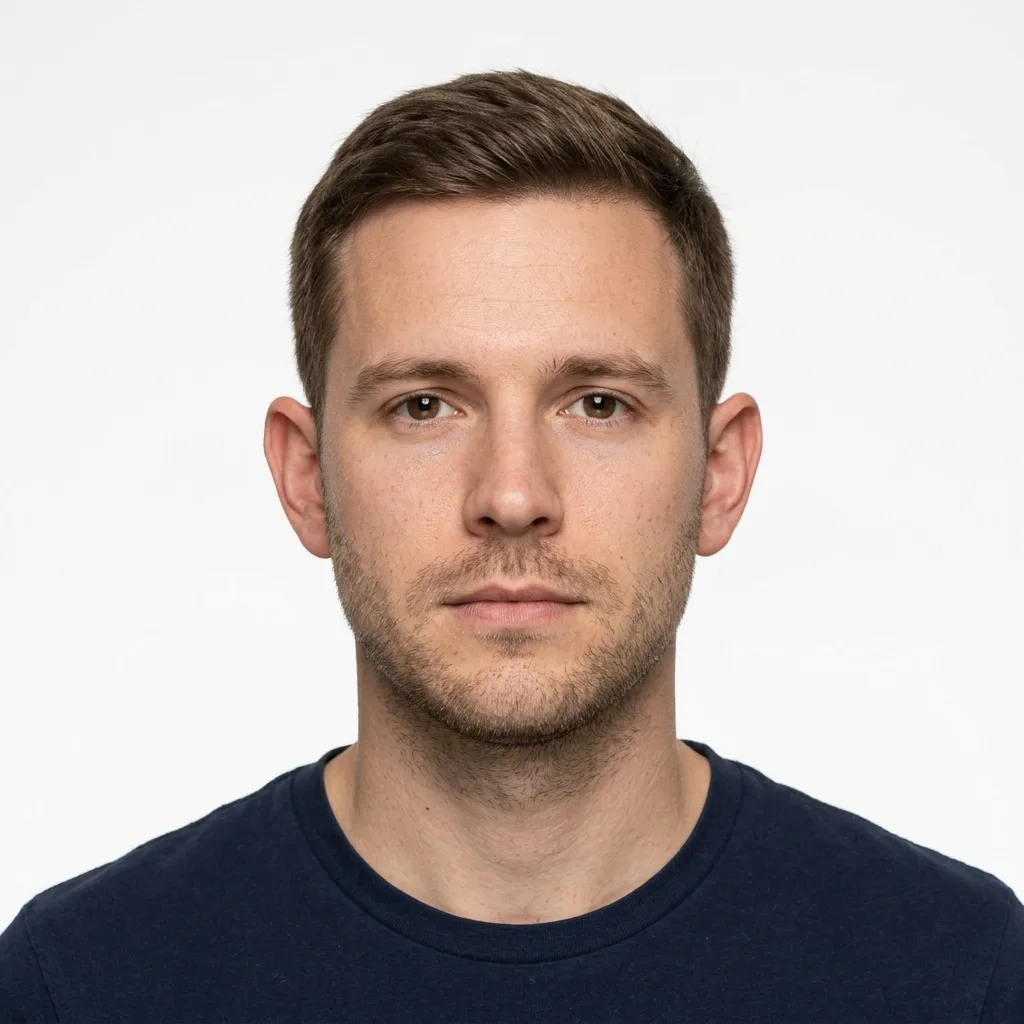
Example result. Pick your options to make yours.
Examples
Random faces of people who don't exist
This AI face generator makes a realistic portrait of a person who does not exist. Click once and you get one face, with no photo to upload and no prompt to write.
Leave gender, age and ethnicity on Any for a random face, or choose those details and an expression. A short note adds details such as freckles or short curly hair.
Every face is a fictional adult. The tool refuses celebrity names, so it will not make a lookalike of a real person.
Made for
- Design mockups
- Character reference
- Presentation slides
- Curious clickers
AI face generator vs other ways to get a face
Pick by how much control you want and how many faces you need.
| This tool | Prompt-based image generators | Browsing a face library | |
|---|---|---|---|
| Start | One click, nothing to type | Write a prompt describing the face | Open the library and filter |
| Control | Four filters and a 200-character note | Anything you can put in words | Only the filters the library offers |
| Faces per click | One, newly generated | Depends on the tool | Many on one page |
| Best for | A quick new face, no setup | A specific scene, light or style | Scrolling through many options |
| Free try | one free image, no sign-up | Varies by tool | Varies by library |
Using the AI face generator: random, or to a brief
Click without changing anything for a random face with a neutral expression: gender, age and ethnicity stay on Any.
If you have a brief, set the filters you care about and leave the rest open. Gender, age from the 20s to the 70s, six ethnicity options and four expressions (neutral, smiling, laughing, serious) cover the main choices.
The note under the filters takes the small stuff: eye color, freckles, hair length, glasses. It is capped at 200 characters and is added to your request, so a short phrase works better than a paragraph.
What to put in the note
The note is for details the filters do not cover. Good ones are short and visual: green eyes, freckles, short curly hair, round glasses, a beard, grey streaks.
Pick the filters first, then add one or two details. A note that fights a filter, such as an age that differs from the one you picked, gives a mixed result.
The note shapes the face only. It does not set the background, the clothes or the camera angle, so leave those out.
Check the face before you use it
The result is AI output. Look at it at full size before you download: eyes, teeth, ears and the hairline are where an odd detail would show.
The face is fictional, so use it where a stand-in is fine: layouts, slides, characters and drafts. Do not present it as a real person, and do not use it for an ID document or any identity check. This tool does not make those.
The free image is one per visitor across the whole site. When you have it, download it.